Vim as a Main Text Editor
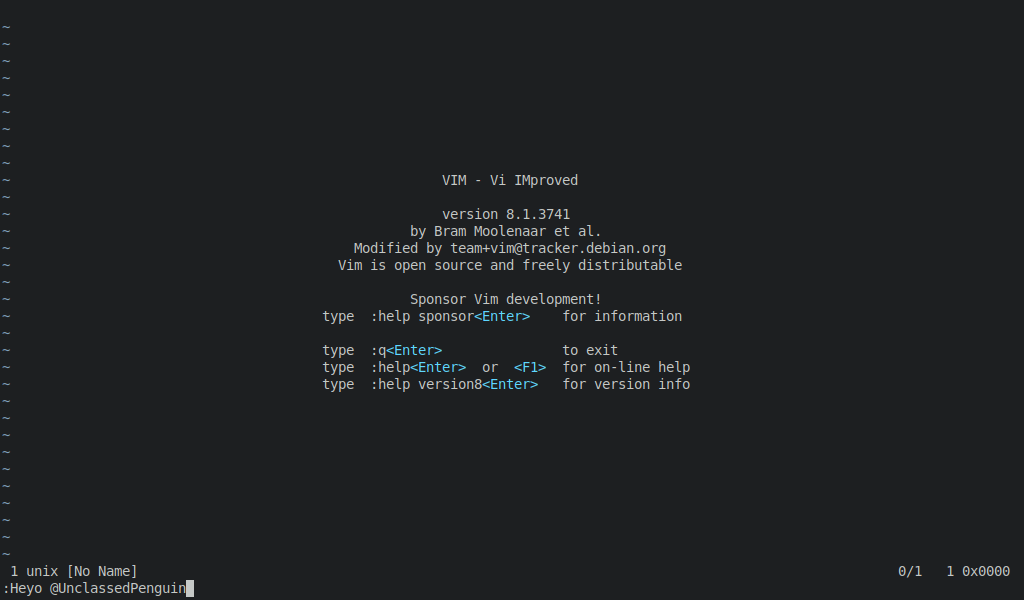
First things first, what is Vim?
Well, lets ask Wikipedia:
Vim (a contraction of Vi IMproved) is a free and open-source, screen-based text editor program for Unix. It is an improved clone of Bill Joy’s vi. Vim’s author, Bram Moolenaar, derived Vim from a port of the Stevie editor for Amiga and released a version to the public in 1991. Vim is designed for use both from a command-line interface and as a standalone application in a graphical user interface.
My first article on my blog is a post about using Spacemacs as my main text editor. That article was written around 3 years ago and since then, to be honest, I have barely used Spacemacs at all. I don’t even currently have it installed on any of my computers. What I do have on all of my computers however is vim. When I say all of my computers, that includes laptops, desktops, and even all of my servers.
Sidenote: I run several servers for various reasons. I have a home server for “cloud” storage(Running Nextcloud. Really it’s just a backup server to have a seperate place to store important things in a central location. Not accessible to the broader internet, it’s local only, but that is fine for me. I also run a minecraft server for multiplayer games with my brother, as well as a webserver/general purpose server that is a VPS from Digital Ocean, so it is available to the broader internet. I have used it for all sorts of things from a webserver, a private Git repository, to a self hosted chat server.
The fact that I can run it on everything from laptops to servers is one of the main reasons I love vim. I store my dotfiles on GitHub, so I can even keep all of my configurations easily synced between machines which lets me use all of my custom keyboard shortcuts, plugins, and configurations no matter where I am.